- artstor.blog
- Compare
- Libra H2O vs InkPad 3 Pro
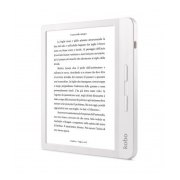
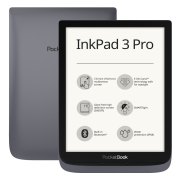
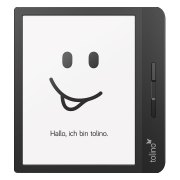
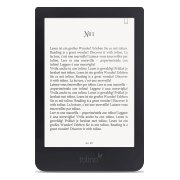
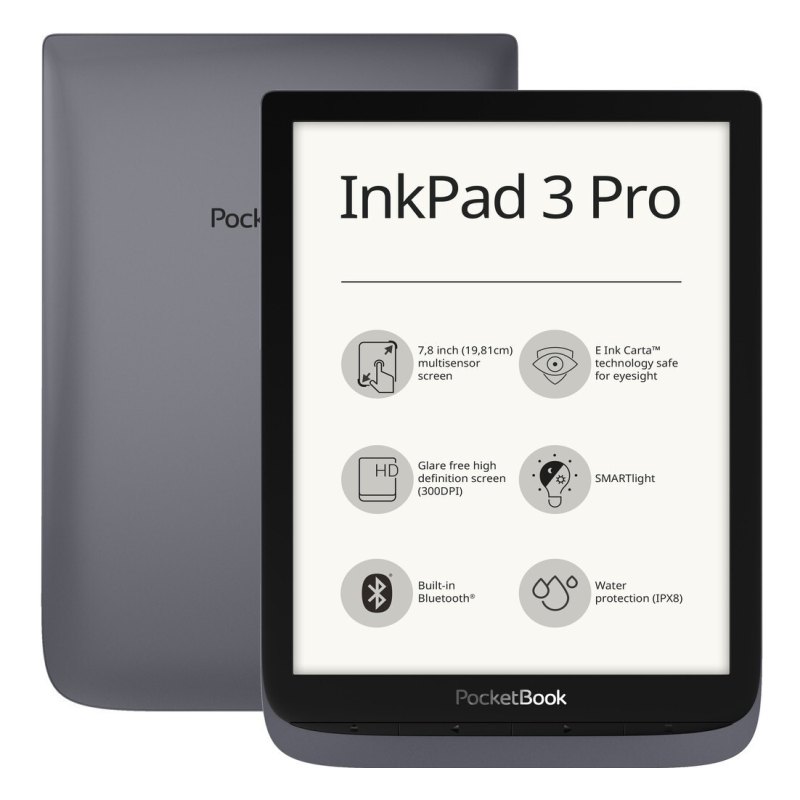
Kobo Libra H2O vs PocketBook InkPad 3 Pro
What Libra H2O does better (0) and where InkPad 3 Pro wins (3) — every spec side by side.
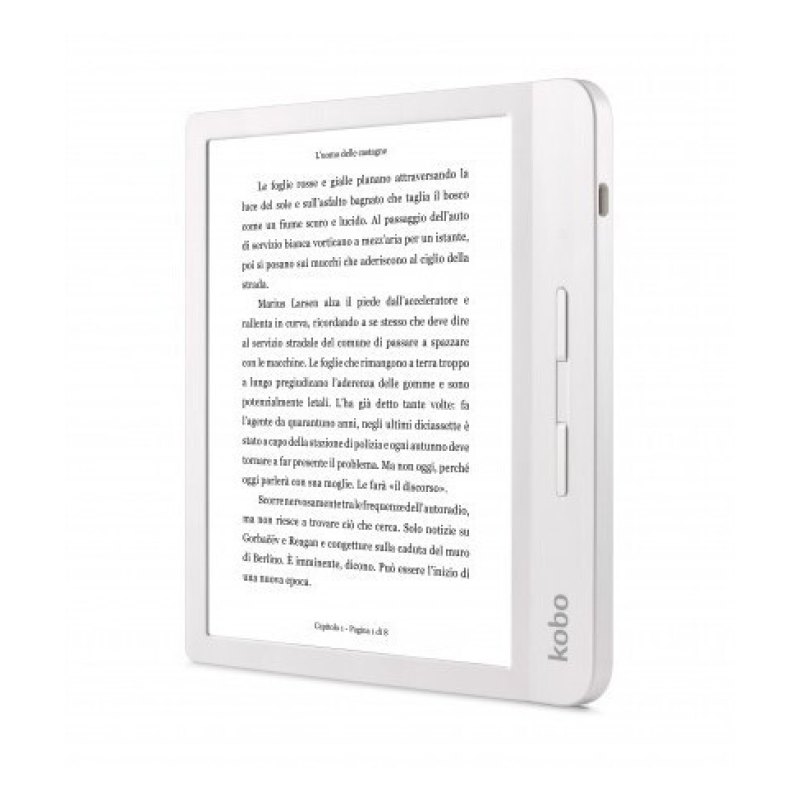
vs
7.5Screen8.5
7.3Comfort & build8.0
2.9Battery5.3
3.0Features6.1
Why is Libra H2O better than InkPad 3 Pro?
Libra H2O has no measurable advantages in this pair.
Why is InkPad 3 Pro better than Libra H2O?
- Battery capacity1,900 mAh vs 1,200 mAh+58%
- Storage16 GB vs 8 GB2×
- Screen size7.8″ vs 7″+11%
Specifications
Side by side
| Screen | ||
| Screen size | 7″ | 7.8″ |
| Resolution | 1680 × 1264 | 1872 × 1404 |
| Pixel density | 300 ppi | 300 ppi |
| Screen technology | E Ink Carta | E Ink Carta |
| Colour screen | No | No |
| Touchscreen | Yes | Yes |
| Front light | Yes | Yes |
| Warm light (adjustable colour temperature) | Yes | Yes |
| Design | ||
| Weight | 192 g | — |
| Protection rating | IPX8 | IPX8 |
| Water resistance (IPx) | IPx8 | IPx8 |
| Physical page-turn buttons | Yes | Yes |
| Auto-rotation (G-sensor) | — | Yes |
| Colours | Black | Grey |
| Battery | ||
| Battery capacity | 1,200 mAh | 1,900 mAh |
| USB-C | No | No |
| Storage | ||
| Storage | 8 GB | 16 GB |
| RAM | — | 1 GB |
| Memory card slot | No | — |
| Pen & notes | ||
| Pen support (handwriting) | No | No |
| Software & books | ||
| Platform | Own Linux-based system | Own Linux-based system |
| Google Play apps | No | No |
| Built-in bookstore | Rakuten Kobo Store | PocketBook Store |
| Supported formats | EPUB, PDF, MOBI, CBZ, CBR, RTF, TXT, HTML | EPUB, PDF, MOBI, FB2, DJVU, CBZ, CBR, DOCX, DOC, RTF, TXT, HTML, CHM, PRC |
| EPUB support | Yes | Yes |
| Text-to-speech | — | Yes |
| Audiobooks / audio playback | — | Yes |
| Public library lending (OverDrive / Libby / Onleihe) | Yes | — |
| Connectivity & audio | ||
| Wi-Fi | Yes | Yes |
| Bluetooth | — | Yes |
| Mobile data (4G / LTE) | No | No |
| Performance | ||
| CPU clock | — | 1 GHz |