- artstor.blog
- Compare
- Smart Paper vs Paper Pro Move
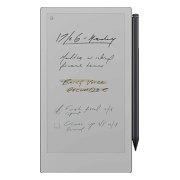
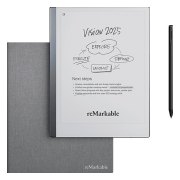
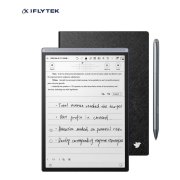
Lenovo Smart Paper vs reMarkable Paper Pro Move
What Smart Paper does better (4) and where Paper Pro Move wins (3) — every spec side by side.
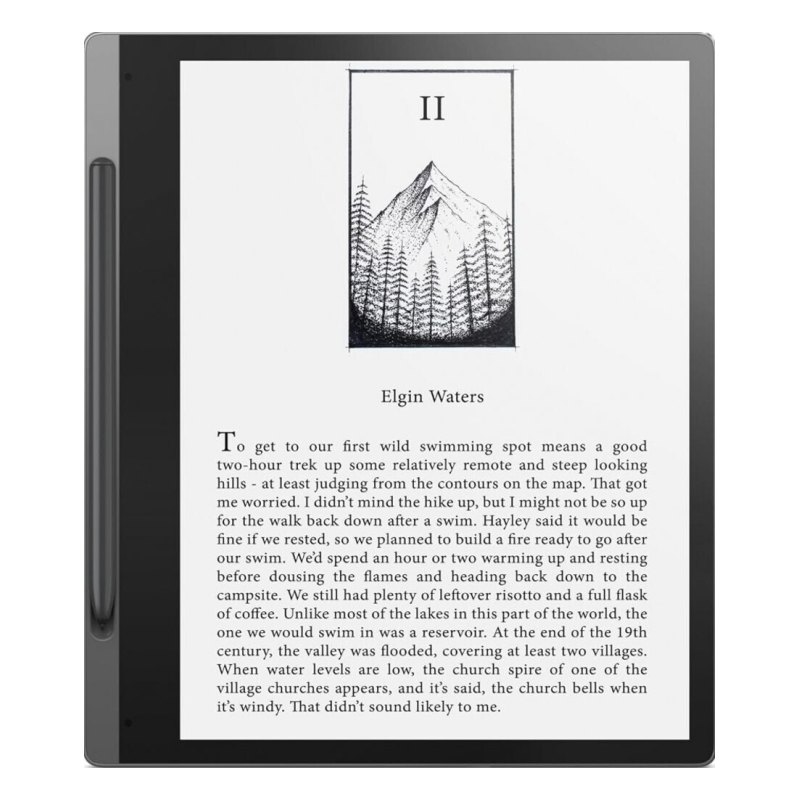
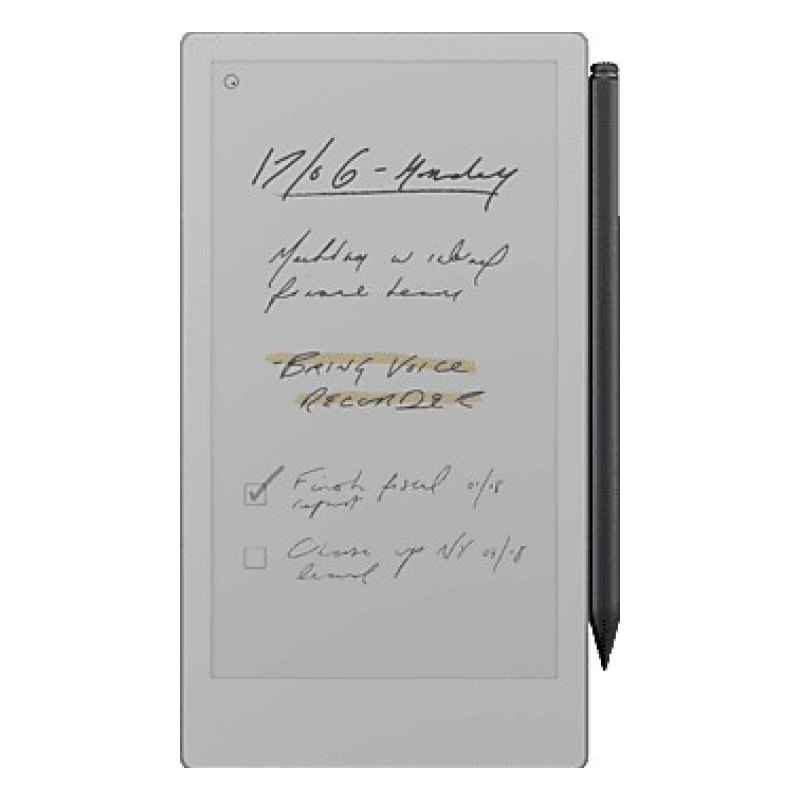
vs
2.7Screen5.1
3.6Comfort & build7.4
4.9Battery3.2
6.6Features4.5
Dimensions
Size comparison
Smart PaperPaper Pro Move
| Smart Paper | Paper Pro Move | Difference | |
|---|---|---|---|
| Height | 226 mm | 196 mm | +30 mm |
| Width | 195 mm | 108 mm | +87 mm |
| Thickness | 6 mm | 7 mm | −1 mm |
| Weight | 408 g | 230 g | +178 g |
Drawn to the same scale from the official dimensions (front and side).
Why is Smart Paper better than Paper Pro Move?
- Battery capacity3,500 mAh vs 2,334 mAh+50%
- Screen size10.3″ vs 7.3″+41%
- RAM4 GB vs 2 GB2×
- Thickness6 mm vs 7 mm+17%
Why is Paper Pro Move better than Smart Paper?
- Weight408 g vs 230 g+77%
- Pixel density227 ppi vs 265 ppi+17%
- Colour screenNo · Smart Paper: Yes
Specifications
Side by side
| Screen | ||
| Screen size | 10.3″ | 7.3″ |
| Resolution | 1872 × 1404 | 1696 × 954 |
| Pixel density | 227 ppi | 265 ppi |
| Screen technology | — | E Ink Gallery 3 |
| Colour screen | No | Yes |
| Colour pixel density | — | 265 ppi |
| Touchscreen | Yes | Yes |
| Automatic brightness (light sensor) | Yes | — |
| Design | ||
| Weight | 408 g | 230 g |
| Width | 195 mm | 108 mm |
| Height | 226 mm | 196 mm |
| Thickness | 6 mm | 7 mm |
| Physical page-turn buttons | — | No |
| Auto-rotation (G-sensor) | Yes | — |
| Colours | Grey | Grey |
| Battery | ||
| Battery capacity | 3,500 mAh | 2,334 mAh |
| USB-C | Yes | Yes |
| Storage | ||
| Storage | 64 GB | 64 GB |
| RAM | 4 GB | 2 GB |
| Memory card slot | — | No |
| Pen & notes | ||
| Pen support (handwriting) | Yes | Yes |
| Software & books | ||
| Platform | Android | Own Linux-based system |
| Operating system | Android | Linux |
| Google Play apps | — | No |
| Built-in bookstore | — | None (own files, cloud sync) |
| Supported formats | — | EPUB, PDF |
| EPUB support | — | Yes |
| Connectivity & audio | ||
| Wi-Fi | Yes | Yes |
| Bluetooth | Yes | — |
| Mobile data (4G / LTE) | No | No |
| Performance | ||
| CPU clock | — | 1.7 GHz |