- artstor.blog
- Compare
- Kindle Scribe vs Elipsa
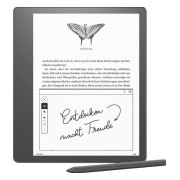
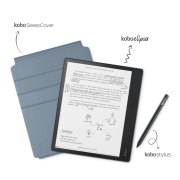
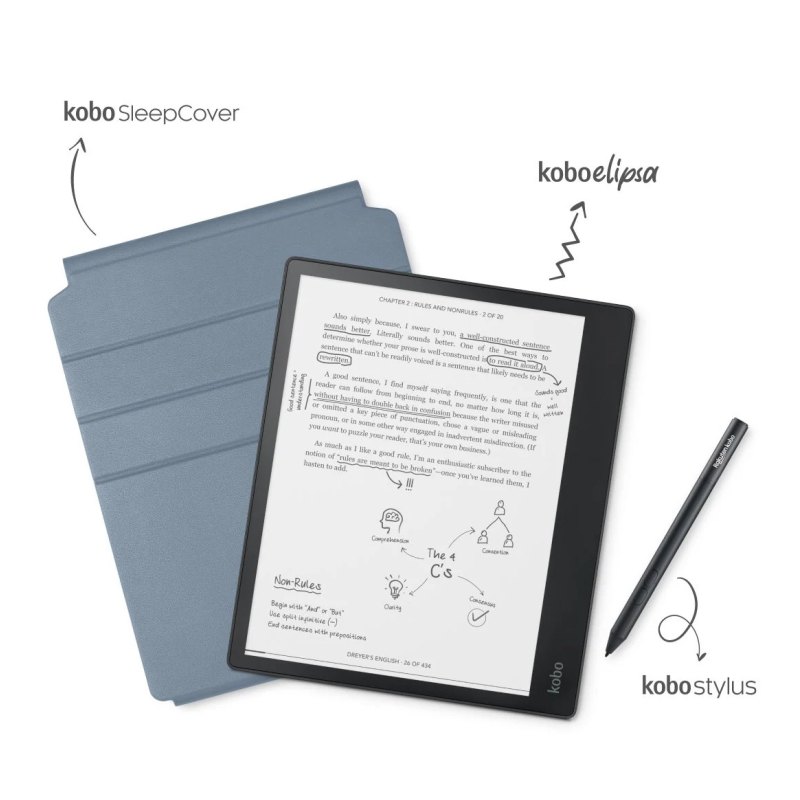
Amazon Kindle Scribe vs Kobo Elipsa
What Kindle Scribe does better (1) and where Elipsa wins (0) — every spec side by side.
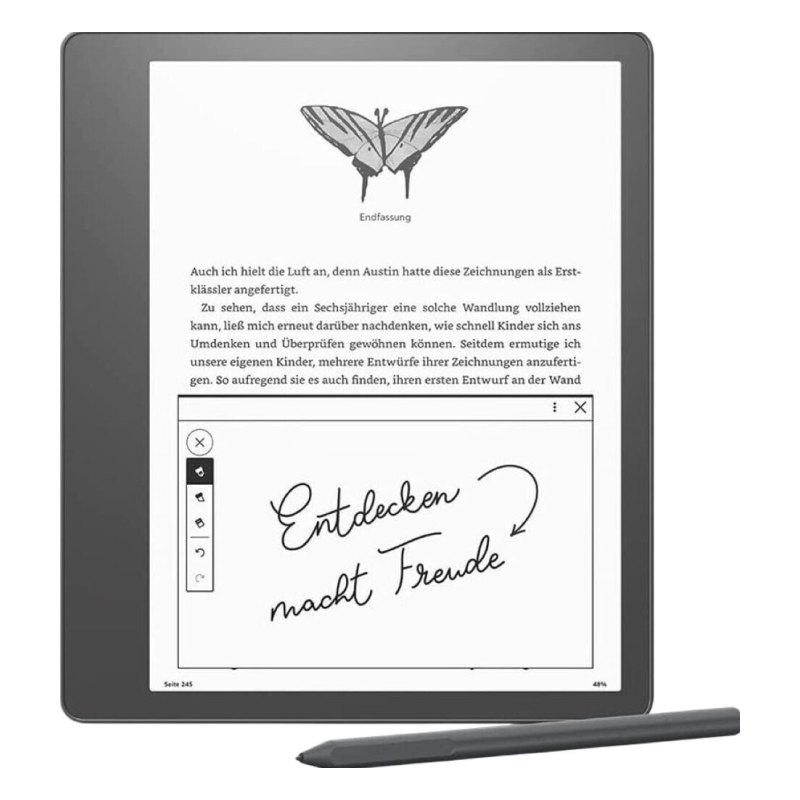
vs
5.7Screen3.3
2.9Comfort & build5.7
3.2Features3.0
Why is Kindle Scribe better than Elipsa?
- Pixel density300 ppi vs 227 ppi+32%
Why is Elipsa better than Kindle Scribe?
Elipsa has no measurable advantages in this pair.
Specifications
Side by side
| Screen | ||
| Screen size | 10.2″ | 10.3″ |
| Resolution | 2480 × 1860 | 1872 × 1404 |
| Pixel density | 300 ppi | 227 ppi |
| Screen technology | E Ink Carta | E Ink Carta 1200 |
| Colour screen | No | No |
| Grey levels | 16 | — |
| Touchscreen | Yes | Yes |
| Front light | Yes | Yes |
| Warm light (adjustable colour temperature) | No | No |
| Automatic brightness (light sensor) | Yes | — |
| Design | ||
| Weight | 433 g | — |
| Width | 196 mm | — |
| Height | 229 mm | — |
| Thickness | 6 mm | — |
| Protection rating | — | IPX8 |
| Water resistance (IPx) | — | IPx8 |
| Physical page-turn buttons | No | No |
| Colours | Black | — |
| Battery | ||
| Battery capacity | 3,000 mAh | — |
| USB-C | Yes | — |
| Storage | ||
| Storage | — | 32 GB |
| RAM | 1 GB | — |
| Memory card slot | No | No |
| Pen & notes | ||
| Pen support (handwriting) | Yes | Yes |
| Software & books | ||
| Platform | Own Linux-based system | Own Linux-based system |
| Google Play apps | No | No |
| Built-in bookstore | Amazon Kindle Store | Rakuten Kobo Store |
| Supported formats | EPUB, PDF, MOBI, AZW3, AZW, DOCX, DOC, TXT, HTML, PRC | — |
| EPUB support | Yes | — |
| Audiobooks / audio playback | — | Yes |
| Public library lending (OverDrive / Libby / Onleihe) | — | Yes |
| Connectivity & audio | ||
| Wi-Fi | Yes | — |
| Bluetooth | Yes | Yes |
| Mobile data (4G / LTE) | No | — |
| Performance | ||
| CPU clock | 2 GHz | — |