- artstor.blog
- Compare
- MatePad Paper vs Elipsa
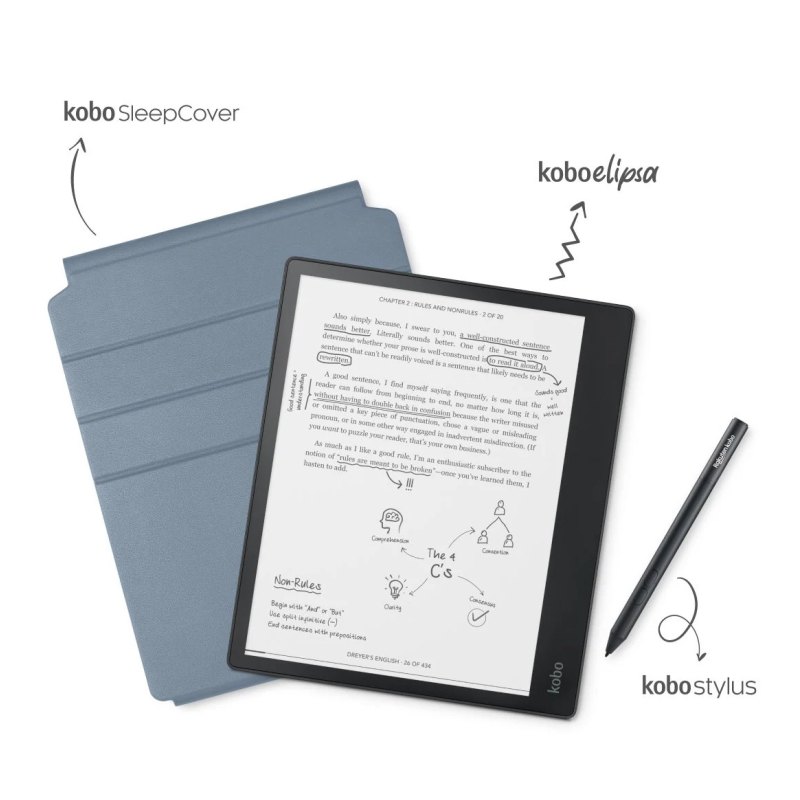
Huawei MatePad Paper vs Kobo Elipsa
What MatePad Paper does better (1) and where Elipsa wins (0) — every spec side by side.

vs
3.8Screen3.3
6.6Comfort & build5.7
6.7Features3.0
Why is MatePad Paper better than Elipsa?
- Storage64 GB vs 32 GB2×
Why is Elipsa better than MatePad Paper?
Elipsa has no measurable advantages in this pair.
Specifications
Side by side
| Screen | ||
| Screen size | 10.3″ | 10.3″ |
| Resolution | 1872 × 1404 | 1872 × 1404 |
| Pixel density | 227 ppi | 227 ppi |
| Screen technology | — | E Ink Carta 1200 |
| Colour screen | — | No |
| Touchscreen | — | Yes |
| Front light | Yes | Yes |
| Warm light (adjustable colour temperature) | — | No |
| Design | ||
| Weight | 360 g | — |
| Width | 182.7 mm | — |
| Height | 225.2 mm | — |
| Thickness | 6.6 mm | — |
| Protection rating | — | IPX8 |
| Water resistance (IPx) | — | IPx8 |
| Physical page-turn buttons | — | No |
| Battery | ||
| USB-C | Yes | — |
| Storage | ||
| Storage | 64 GB | 32 GB |
| Memory card slot | — | No |
| Pen & notes | ||
| Pen support (handwriting) | Yes | Yes |
| Software & books | ||
| Platform | — | Own Linux-based system |
| Google Play apps | — | No |
| Built-in bookstore | — | Rakuten Kobo Store |
| Supported formats | EPUB, PDF, DOCX, DOC, TXT, HTML | — |
| EPUB support | Yes | — |
| Audiobooks / audio playback | — | Yes |
| Public library lending (OverDrive / Libby / Onleihe) | — | Yes |
| Connectivity & audio | ||
| Wi-Fi | Yes | — |
| Bluetooth | Yes | Yes |
| Mobile data (4G / LTE) | No | — |
Related comparisons
 vs
vs Amazon Kindle Scribe 2025vsHuawei MatePad Paper7.46.0
 vsreMarkable Paper Pro MovevsHuawei MatePad Paper4.36.0
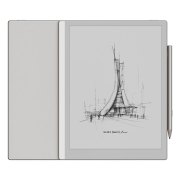 vsBoox Go 10.3 Gen 2vsHuawei MatePad Paper8.66.0
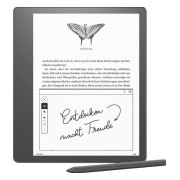 vsAmazon Kindle ScribevsHuawei MatePad Paper3.86.0
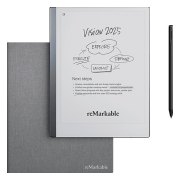 vsreMarkable 2vsHuawei MatePad Paper3.66.0
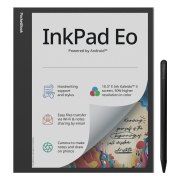 vsPocketBook InkPad EovsHuawei MatePad Paper6.36.0